Volume Displacement with Arnold


Inspired by some art from Lee Grigs, I decided to try out the volume displacement feature in Arnold. The general idea is to convert a mesh into a volume, and then to displace the volume;
Table of Contents
The idea
While I was learning how to use Maya, I stumbled on Lee Griggs' work and wanted to attempt to replicate some of what he'd done with volume displacement in Arnold. If you haven't heard of him before, check out his website -- he's done some neat stuff with Arnold (which makes sense, considering last I checked he was also the technical author for it).
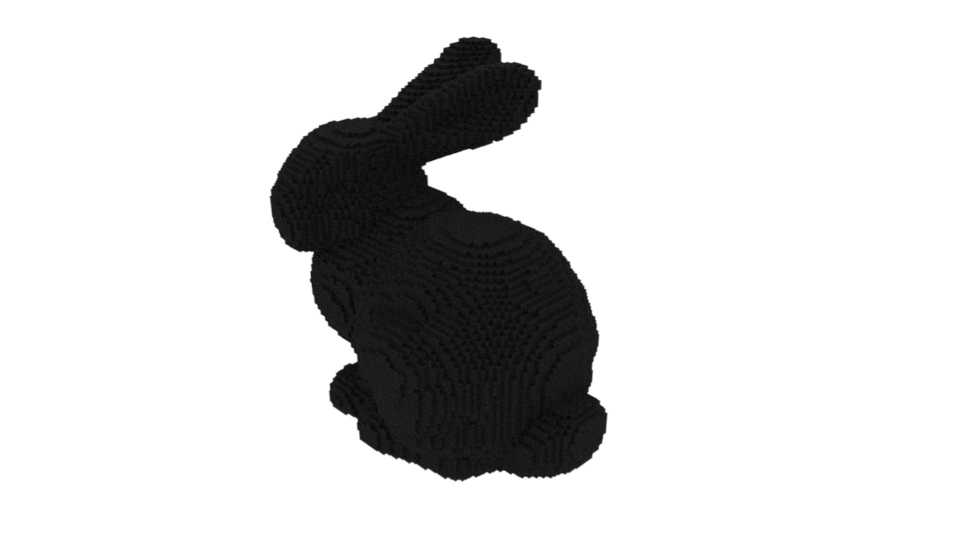
To get started, I first had to make sure I understood how to render out a volume in Maya. This was pretty simple, I just grabbed a simple vdb from openvdb.org and rendered it out using an aiVolume.
The next step
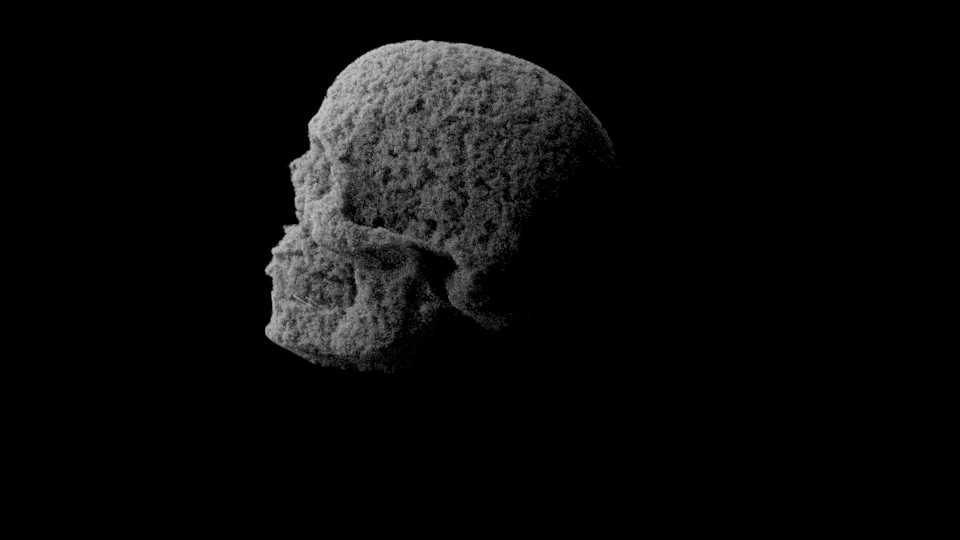
With that done, it was time to try working on a more interesting render. I already had an idea of what I wanted -- a skull displaced as though by ocean waves. I ended up using a skull model made by João Vitor Souza published under a CC BY 4.0 license. Using the option to convert a mesh to a volume, I then had to tinker with the step size. Applying an aiStandardVolume as the material and experimenting with different options, I tried to get the displacement attribute to work. A lot of renders did not turn out very well; I don't know if it has to do with the version of Maya I was using, but it turns out that for the texture to displacement to evaluate properly, I had to insert an intermediate node such as a range node (even if none of the values were changed). For another quick test, I fed in a cloud node (built-in Maya procedural 3d texture) to a vectormap.
edit from 2022: At the time this project was originally completed, I believe I was working with an early version of Maya 2020. If I recall correctly, the way I'd originally handled textures was using the maya file node, and looking into the issue back then it appeared that the image was not properly being loaded until it was used by another node that had to be evaluated. As of now, I am unable to replicate this issue in the version of Maya 2020 currently on my system, or in later editions of Maya. I do not know if this is due to a later update to Maya or just something I'd overlooked back then.
Working with projections & textures
For the actual end result, I worked with a wave texture from unsplash, which is under their own free-use license. The workflow involved tweaking range values, projection mappings, and a few other things, until I considered myself happy with the results.
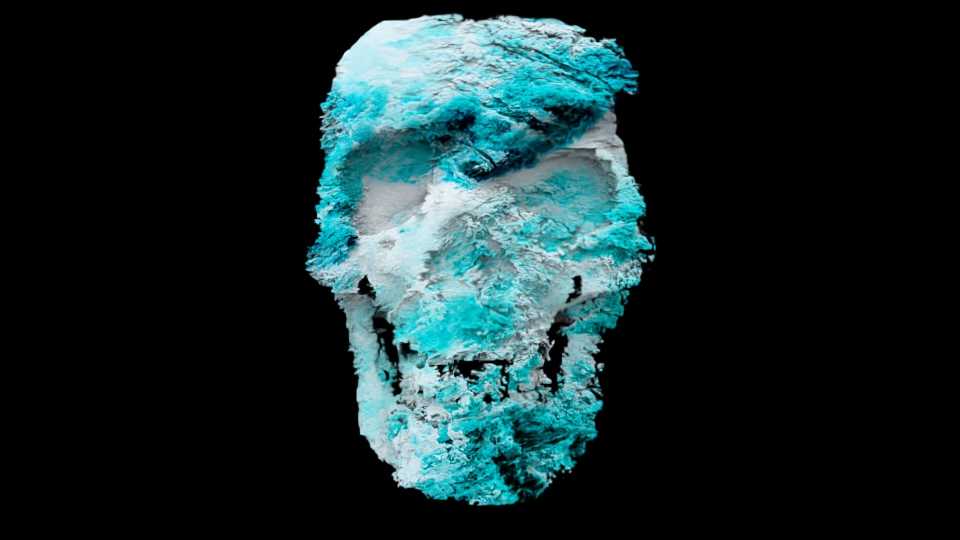
I cranked the range a bit too much on this one.
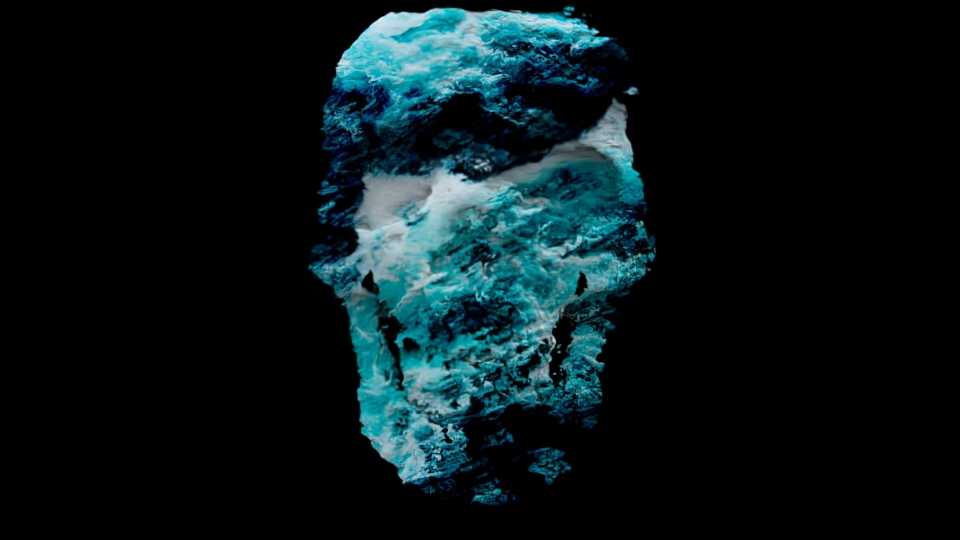
For this one I worked on pushing the colors and reigning in the displacement separately.
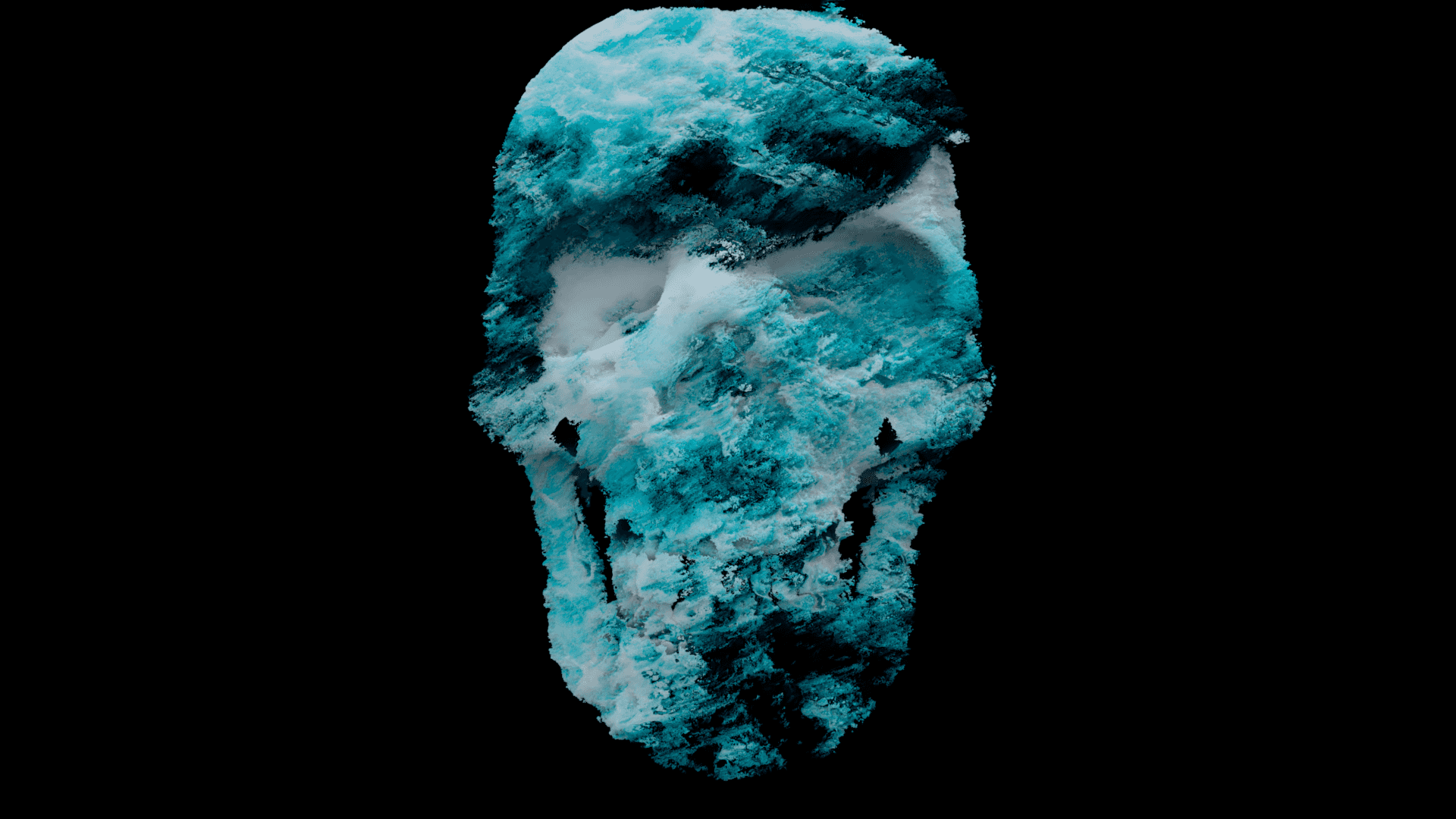
I tried doing a high-quality render in a reasonable amount of time. My PC is about a decade old, so that limited how much I could push it without going without a PC for more than a day.
What I learned
~Documentation being split across multiple platforms sucks.~
I ended up digging through the documentation for Arnold and Maya more than I'd expected when I started this project, and got to learn some useful information about both. I'd like to revisit and try a project of a similar nature at some point, really pushing what I can try with volume displacement. I think some very visually stimulating effects could be generated via the use of animated procedural noise and a much more in-depth node graph than what I used here to alter where displacement occurs in the scene.